Network security alerts
Receive alarm notifications from the APCON ThreatGuard system connected to your phone.
ThreatGuard Companion App
Stay connected to your APCON ThreatGuard from your phone. Receive alarm notifications, choose the alerts you need, and check system and disk health on the go.
Built for security teams
Network security operations don't always happen at your desk. ThreatGuard Mobile gives approved administrators and operators a convenient way to keep up with alarms and check the health of their connected APCON ThreatGuard system.
Receive security alarm notifications on your phone
Check system health and disk health
Manage notifications and quiet hours
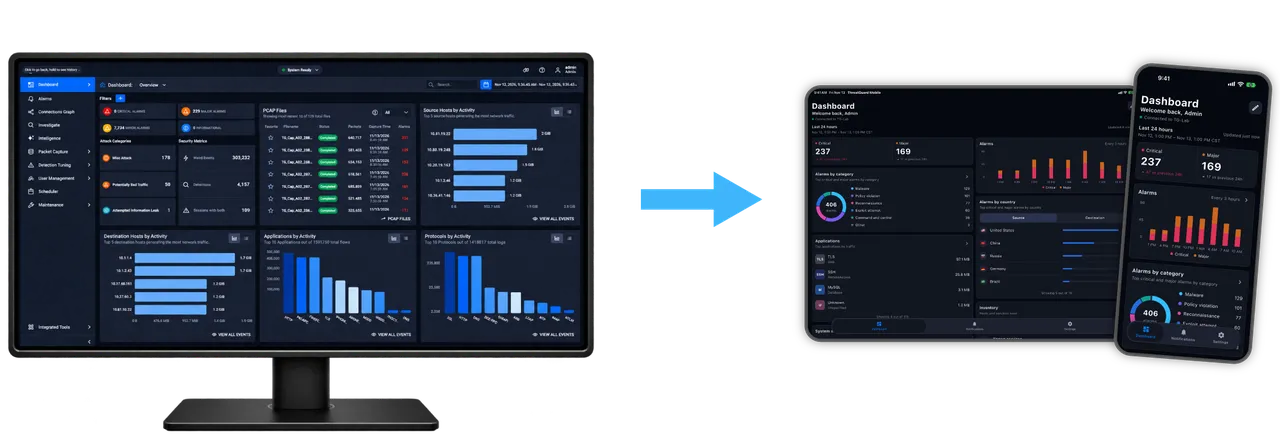
ThreatGuard Mobile is an extension of the ThreatGuard platform, not a standalone detection tool.
Mobile app features
Essential ThreatGuard notifications and status information, available on your phone.
Receive alarm notifications from the APCON ThreatGuard system connected to your phone.
Configure quiet hours for silent delivery and mute individual rules to reduce unwanted interruptions.
Check system status and disk health to stay informed about your connected ThreatGuard.
Scan a QR code displayed by ThreatGuard or manually enter the eight-character connection code.
New phones require administrator approval before receiving alarms, alerts, or status information.
ThreatGuard administrators can approve, disable, or remove a connected phone at any time.
Getting started
ThreatGuard Mobile requires an existing APCON ThreatGuard installation and administrator approval.
01
Get ThreatGuard Mobile for your compatible phone when it is available in your app store.
02
Scan the QR code shown on your ThreatGuard system, or enter the eight-character code instead.
03
Once your administrator approves the phone, receive alarms and view system and disk status.
App experience
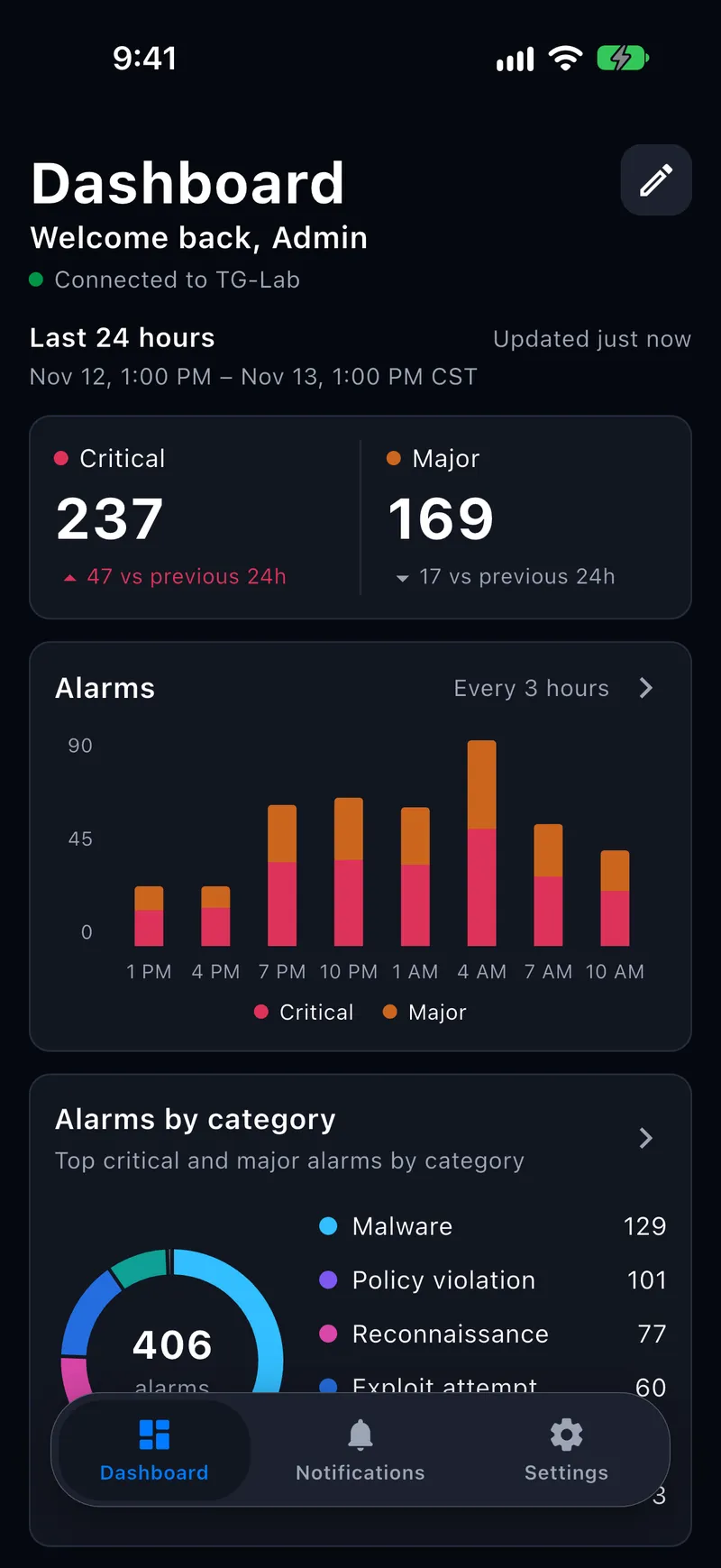
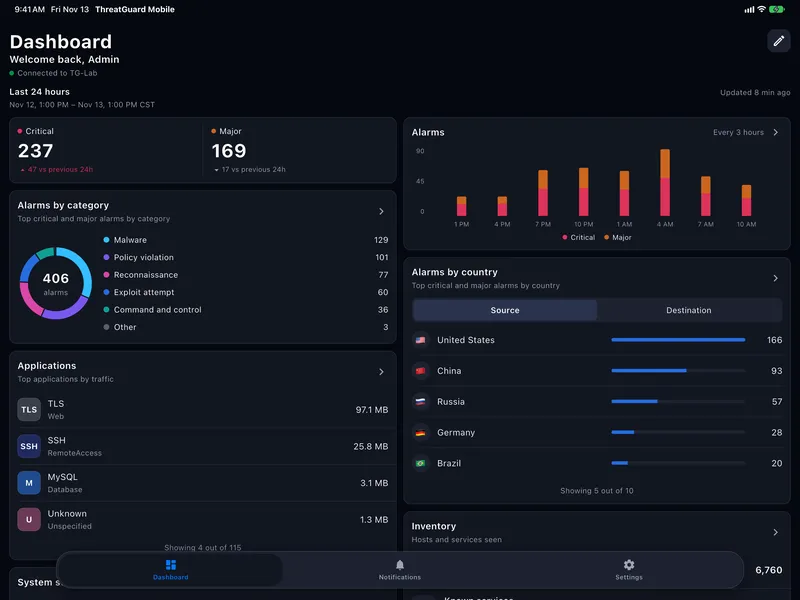
Conceptual visualizations of the mobile experiences described in APCON's review. Replace with approved app screenshots before publishing.
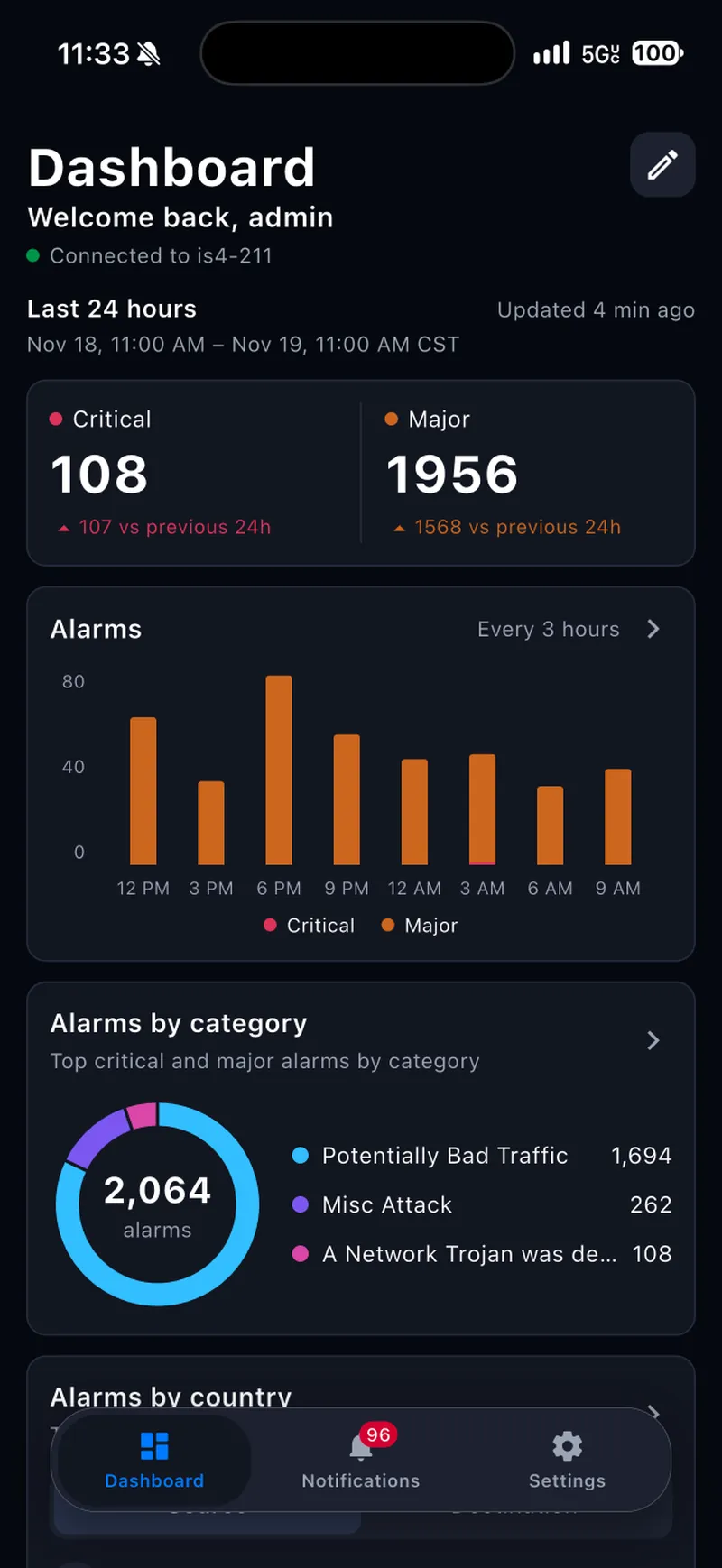
Explore network trends, identify unusual behavior, and gain insights into your ThreatGuard system's activity over the past 24 hours.
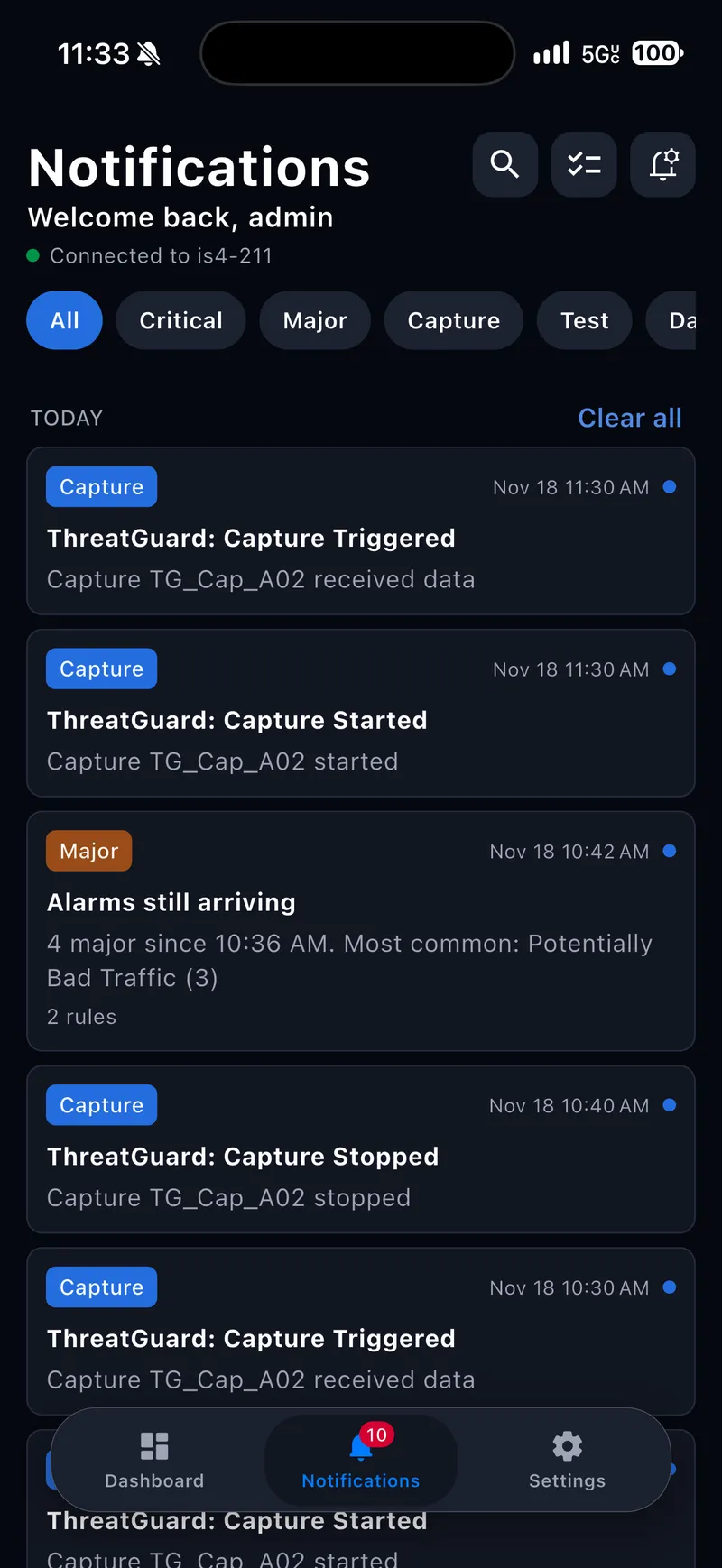
Receive notifications about important security events and activity from your connected ThreatGuard system.
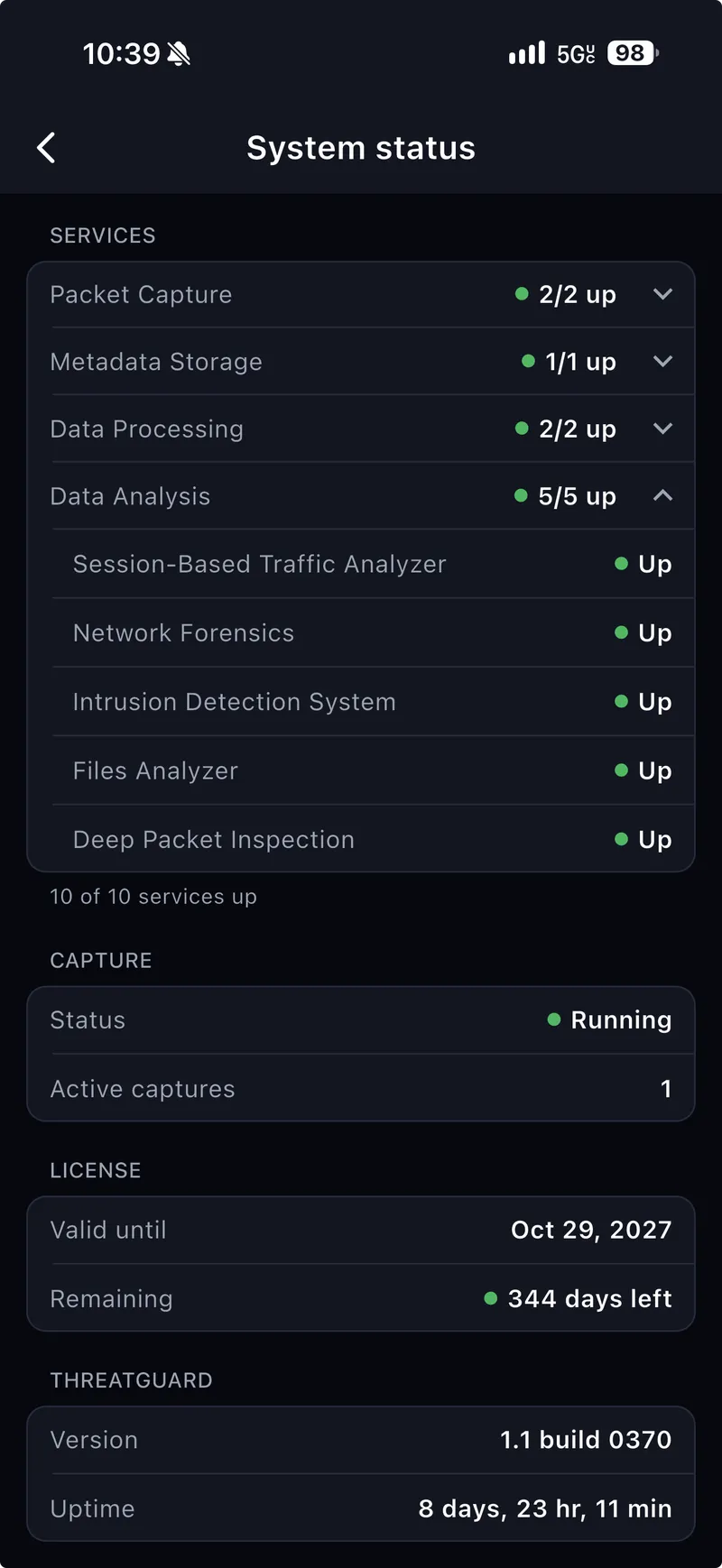
Keep an eye on system and disk health to recognize when your ThreatGuard system needs attention.
Before you download
This app does not replace APCON ThreatGuard. It extends alarm notifications and system status information to authorized mobile users.
An active APCON ThreatGuard installation is required
Each phone connects to one ThreatGuard
An administrator must approve the device
Camera access is used for local QR code scanning; code entry is also available
Who is this app for?
ThreatGuard Mobile is intended for approved IT administrators, security administrators, operators, and anyone who wants a simple way to stay informed about their ThreatGuard system.
Looking for the full platform?
Learn about ThreatGuard network security monitoring and investigation capabilities.
ThreatGuard Mobile
Receive approved security alarm notifications and monitor the status of your connected system from your phone.
Frequently Asked Questions
ThreatGuard Mobile is a companion app for APCON ThreatGuard. It provides alarm notifications and system and disk health information to approved administrators and operators.
Yes. An existing APCON ThreatGuard installation is required, and an administrator must approve the phone before it receives alarms or status information.
Each phone connects to one ThreatGuard at a time.
Yes. You can customize notifications by alarm severity, ThreatGuard system status, and daily summaries. You can also set quiet hours and mute individual alarm rules.
Scan the QR code displayed on your ThreatGuard system, or enter its eight-character code. An administrator then needs to approve the phone.
Yes. A ThreatGuard administrator can approve, disable, or remove a phone at any time.